
What the Steam listing actually shows
When we checked the official store page on October 30, 2026, its feature list included Single-player, Online Co-op and Cross-Platform Multiplayer. The same page also listed Steam Achievements, Steam Cloud and Family Sharing. The system requirements only name Windows 10 and Windows 11 in 64-bit form. No Mac or Linux requirements were shown.
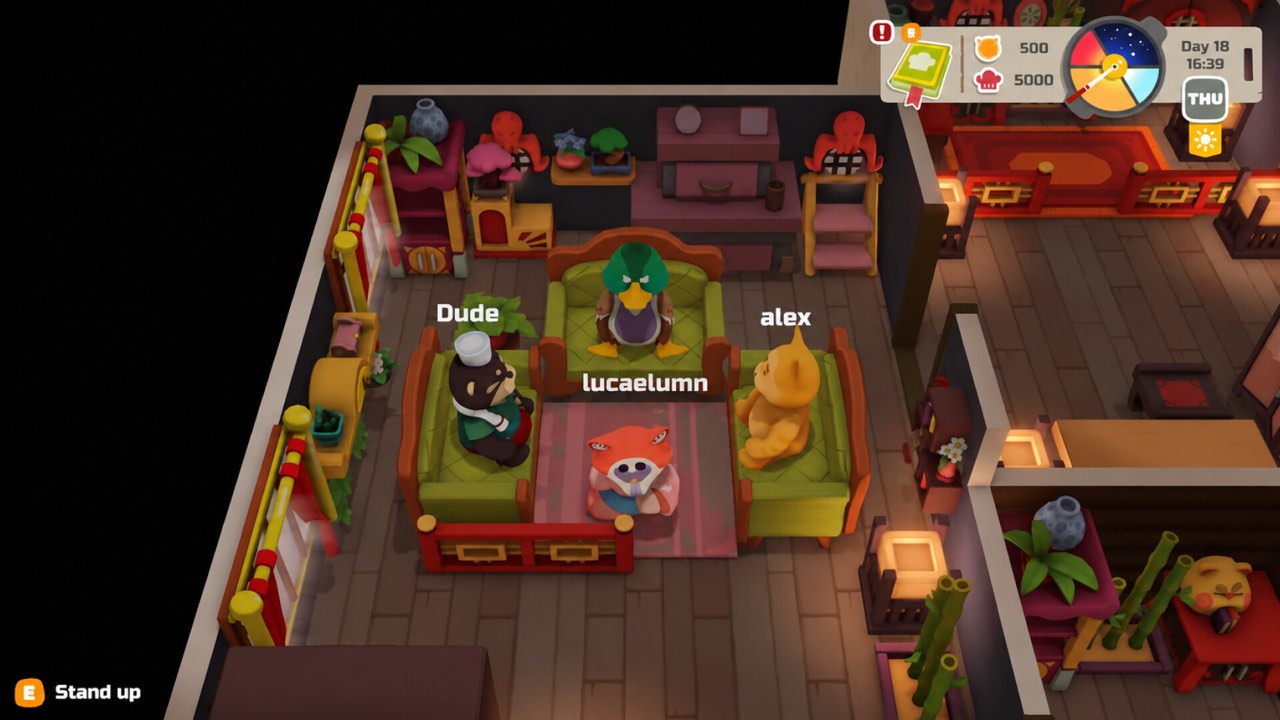
The player count appears in two places on the page. The Early Access section says the game is playable solo or in co-op with up to four players. The main description says you can play with up to three other players. Both statements describe the same limit, because the host counts as one of the four.
Why the crossplay tag can be confusing
A crossplay tag usually means players on different platforms can share a session. For PAO PAO, there is only one platform on sale right now, so the tag does not yet connect anything new. It may simply reflect how the online service was built. It could also point to future plans, but the store page does not say so.
Some third-party database sites list PlayStation, Xbox or Switch versions for this game. Those listings disagree with each other and with the official release date. We could not find an announcement from ArtDock or Dreland Enterprises that confirms any console port. Until a real store page appears on another platform, we treat those entries as placeholders.
Who can join your game today
In practice, your friends need their own copy of PAO PAO on Steam for Windows. The host creates a session and the others join it online. Our co-op guide explains lobby codes and the four-player limit in more detail. Everyone in the group should run the latest patch before starting.
Version mismatches are a common reason a join attempt fails. Steam normally updates games automatically, but a paused download can leave one player behind. Ask everyone to restart Steam and check for updates if the lobby will not connect. This small step solves many problems before you need to look further.
- Each player needs their own copy on Steam
- The group can have up to four players, including the host
- Everyone should be on the same game version
- A stable internet connection matters more than a fast PC
Steam Deck and other handhelds
The store page did not show a Steam Deck verification badge when we checked. That does not mean the game will not run on a handheld. It only means Valve has not published a tested rating for it yet. Results on handheld devices can change after future patches.
If you try it on a handheld, start with a short solo session first. Watch for text size, controller prompts and frame rate in the busy restaurant scenes. Only then invite friends into a co-op session. Report any issues on the official community channels so the developer can see them.
Remote Play Together and shared screens
Remote Play Together was not listed among the features on the store page. That matters if you hoped one person could stream the game to friends who do not own it. Without that feature, every player in an online group needs their own copy. A friend on the same couch also needs a separate setup for now.
Local co-op on one screen is a frequent question as well. Our co-op page tracks the current status of that request. For now, the confirmed way to play together is online, one copy per player. Check the official news feed for any change to that setup.
Buying copies for a group
The regular Steam price is $14.99, and a 40% launch discount brought it to $8.99 when we checked. The store page said this introductory offer ends on November 9. Buying during the discount keeps the cost low for a group of four. See our price guide for the latest status.
Family Sharing is listed on the store page, but it has limits. Shared libraries are generally meant for one person playing at a time. Two people on one shared library should not expect to join each other's session. Check the Steam help pages before relying on sharing for multiplayer.
Common co-op problems and fixes
The developer has already patched several co-op issues since launch. One known problem involved players pushing each other into kitchen corners. Our player collision guide covers the workaround and what changed. Restarting the session is still the quickest fix for most stuck characters.
Connection drops are another common complaint in early builds. Keep the host on the most stable connection in the group. Close large downloads and streaming apps on that computer while you play. If one player keeps dropping, ask them to rejoin rather than restarting the whole session.
- Restart the session if a player gets stuck
- Let the player with the best connection host
- Pause downloads on the host computer
- Report repeat issues with a short description and the time it happened
What to watch for next
PAO PAO is in Early Access, and the developer estimates that phase will last six to twelve months. New features, new platforms and multiplayer changes would normally appear in patch notes. The official Steam news feed and the developer Discord are the best places to watch. Third-party listings often lag behind or guess.
If a console version is announced, the key question will be whether those players can join PC sessions. A crossplay tag on one store does not guarantee that answer on another. We will update this page when an official statement appears. Until then, plan your group around Windows PC copies on Steam.
Quick checklist before inviting friends
First, make sure every friend owns the game on Steam for Windows. Next, confirm that everyone has downloaded the latest update. Then decide who hosts, choosing the player with the most reliable connection. Finally, keep the group to four players or fewer, including the host.
New players can read our beginner guide before the first shared shift. Knowing the basic kitchen flow makes co-op sessions much smoother. If you want to test the game first, the free demo also supports co-op. Share the demo link with friends who are not sure yet.